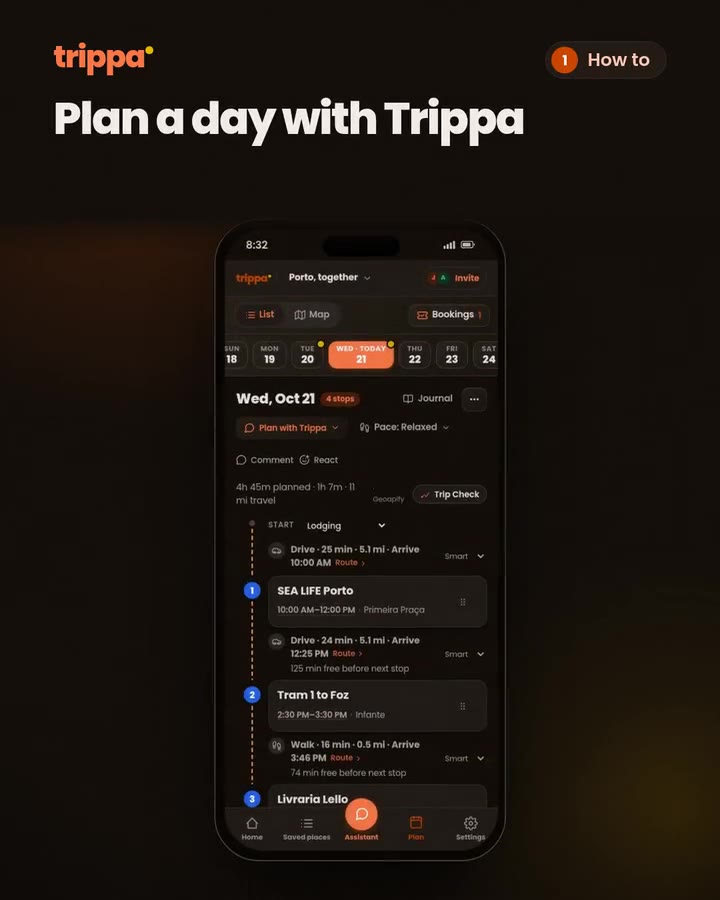
Plan a day with Trippa
Tell Trippa what the day should hold. It plans around meals and naps: park at 9:30, lunch by the river at 11:15, a café after the nap.
32 seconds · No sound
Short clips of Trippa in use, each under a minute. They’re silent, so the caption under each one says what happens.
Tell Trippa what the day should hold. It plans around meals and naps: park at 9:30, lunch by the river at 11:15, a café after the nap.
32 seconds · No sound
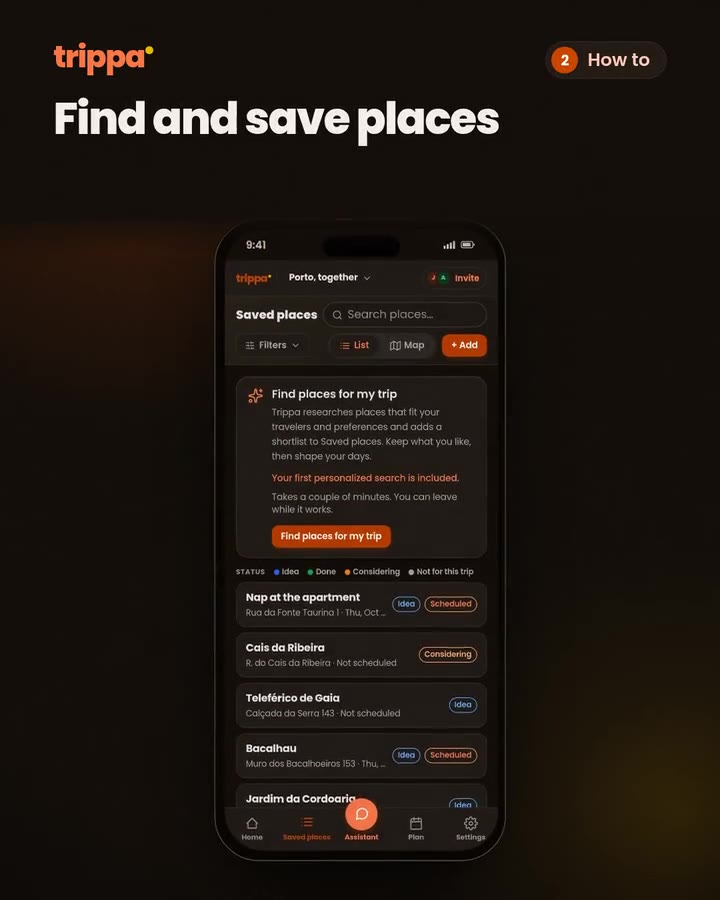
Ask Trippa for places that fit your people, and save the ones you like with one tap.
25 seconds · No sound
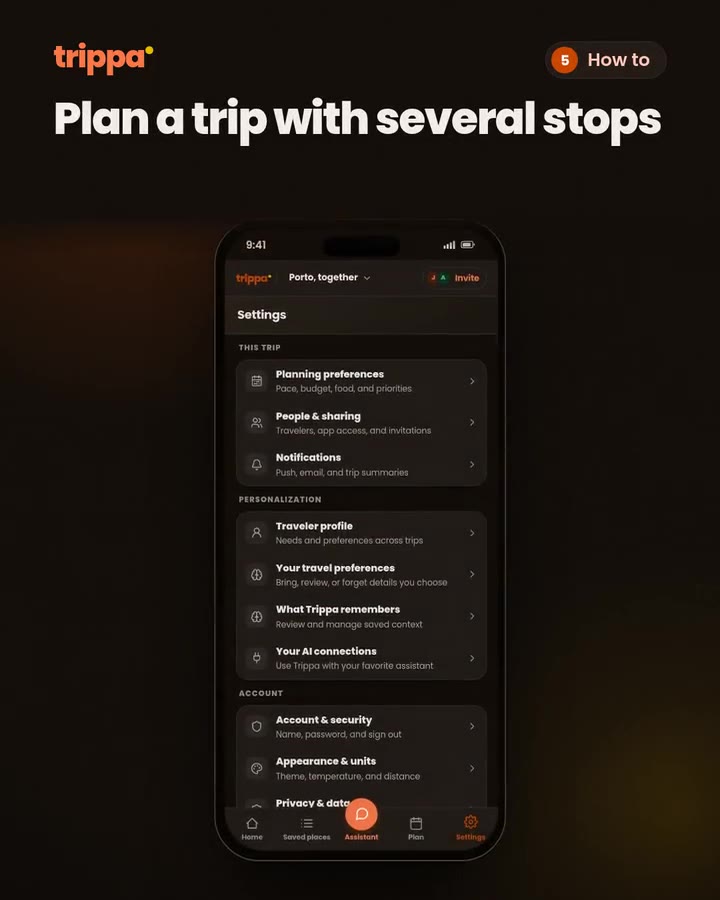
Add each town and its nights in Settings, or just tell Trippa in chat. Each day plans from where you sleep.
41 seconds · No sound
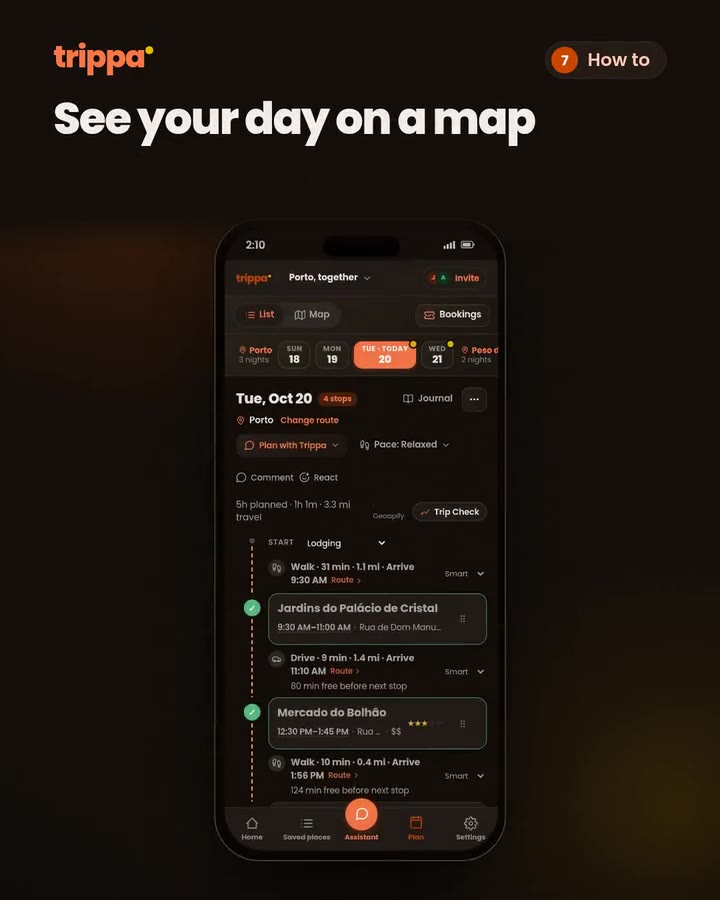
Every day is a timeline of stops and travel. Tap Map to see it laid out.
20 seconds · No sound
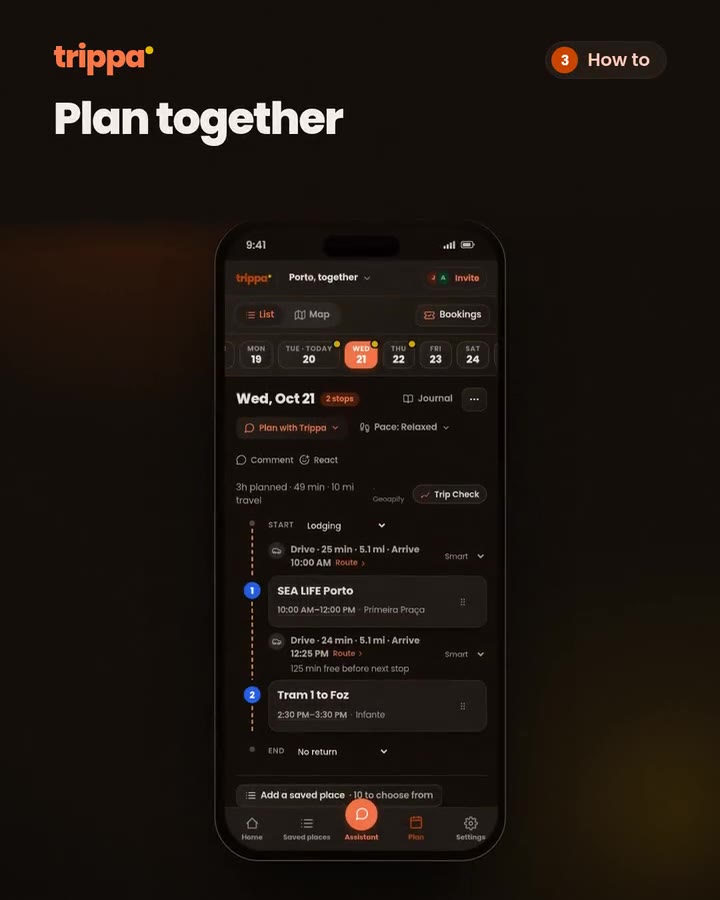
27 seconds · No sound
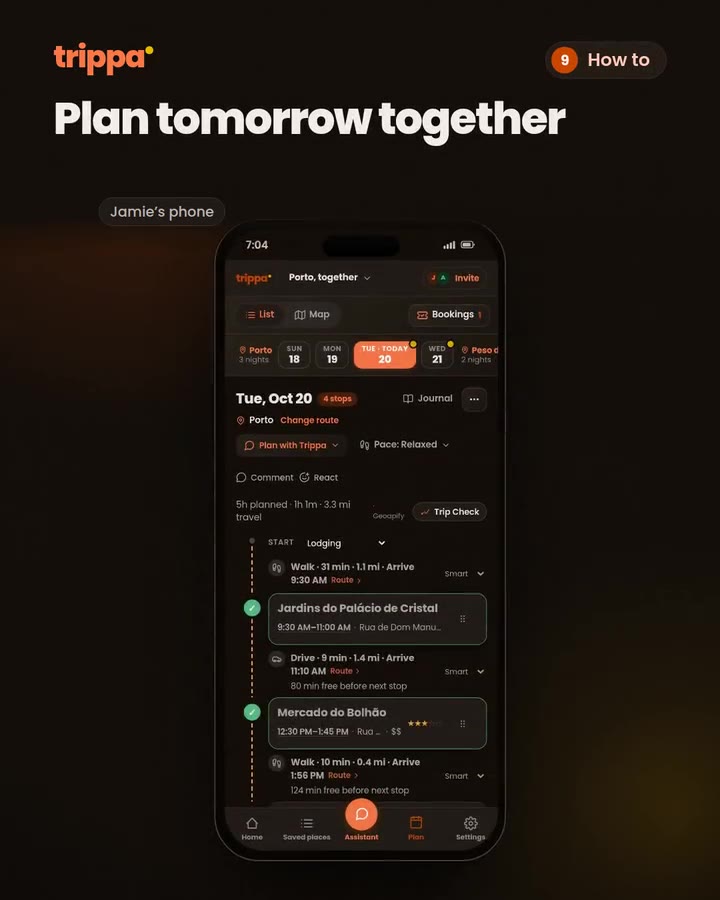
Planning tomorrow from the couch: add a stop on your phone, and your co-planner can react and reply on theirs.
42 seconds · No sound
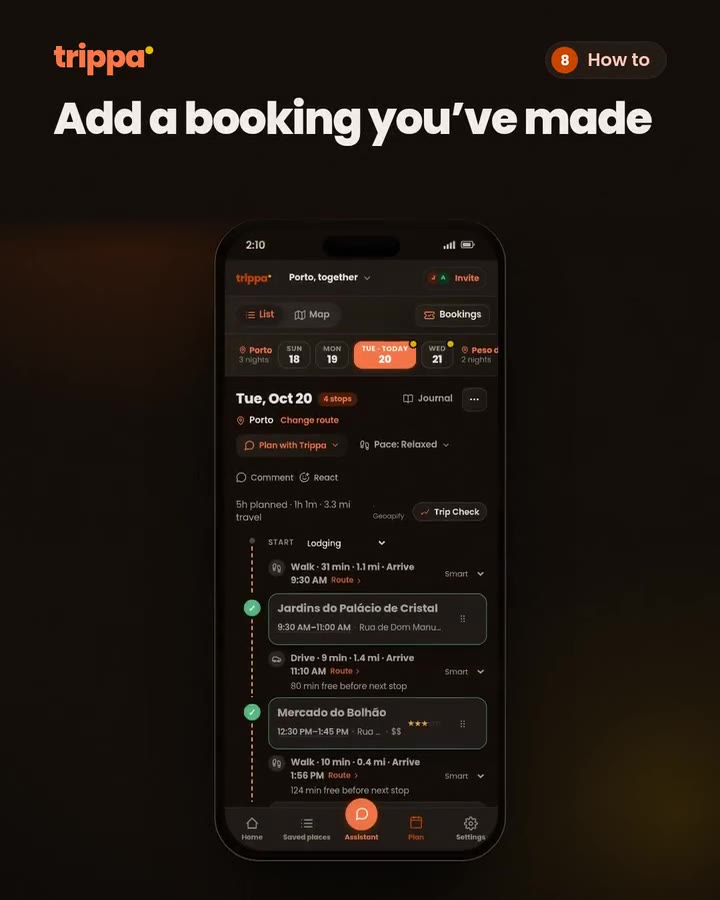
Paste a confirmation and Trippa files the booking. Booked stops stay put on the plan.
31 seconds · No sound
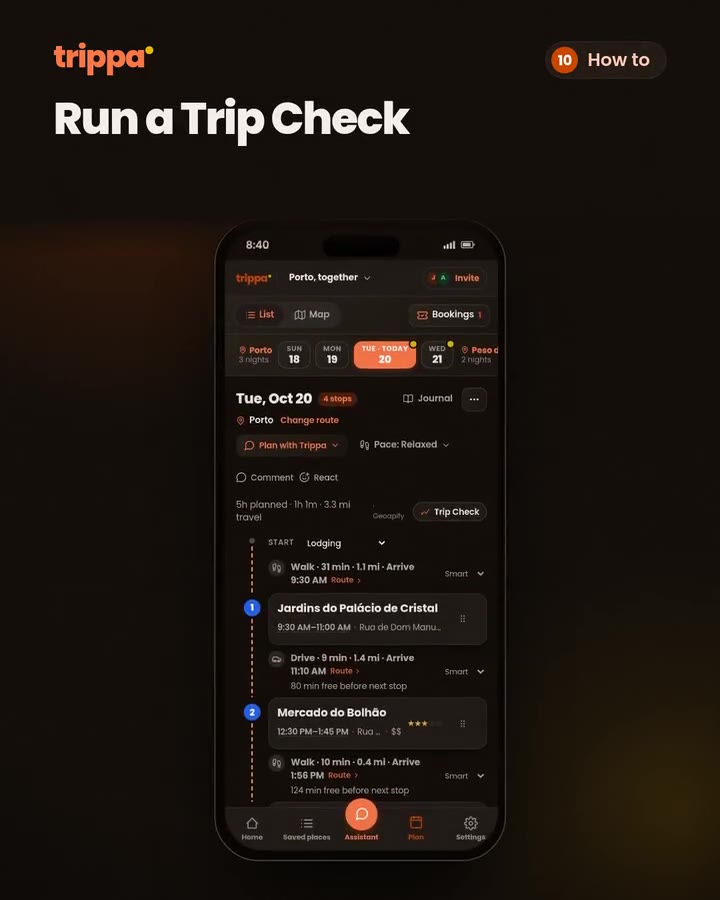
Before you head out, Trip Check runs the day against hours, travel and pacing, and proposes a fix you can undo.
19 seconds · No sound
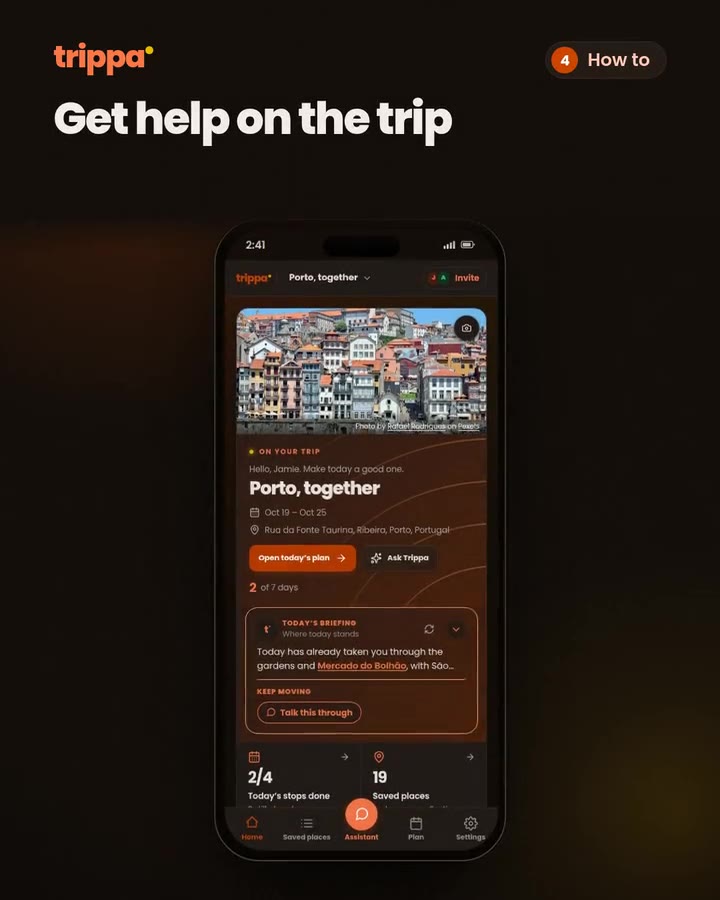
At a stop, tap Explore with Trippa for a short guide you can read or listen to.
29 seconds · No sound
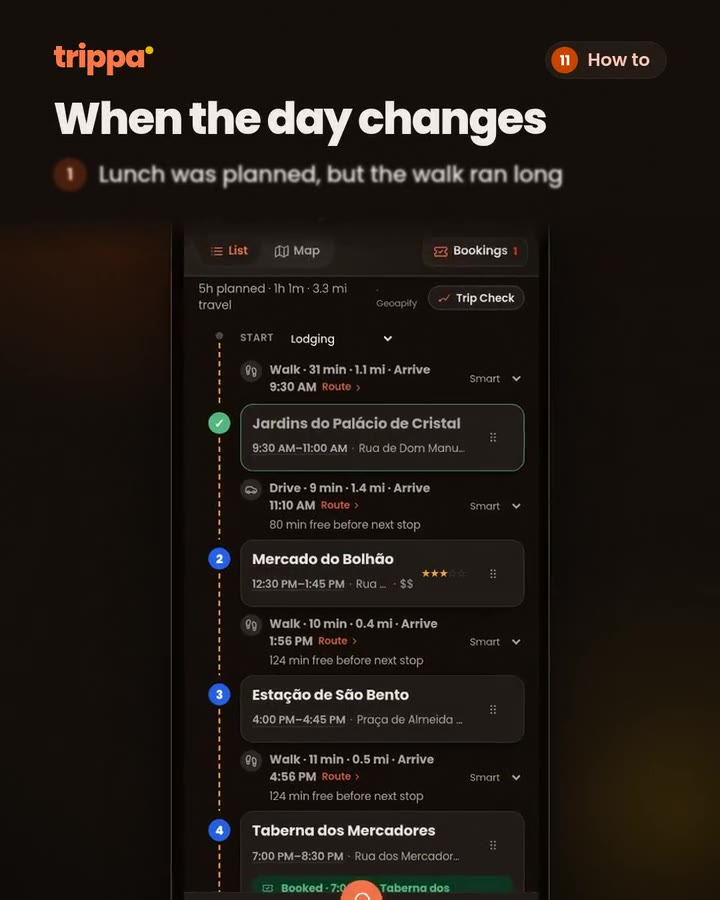
Walk ran long? Tell Trippa. It finds lunch nearby that's open now and fits it into the day.
40 seconds · No sound
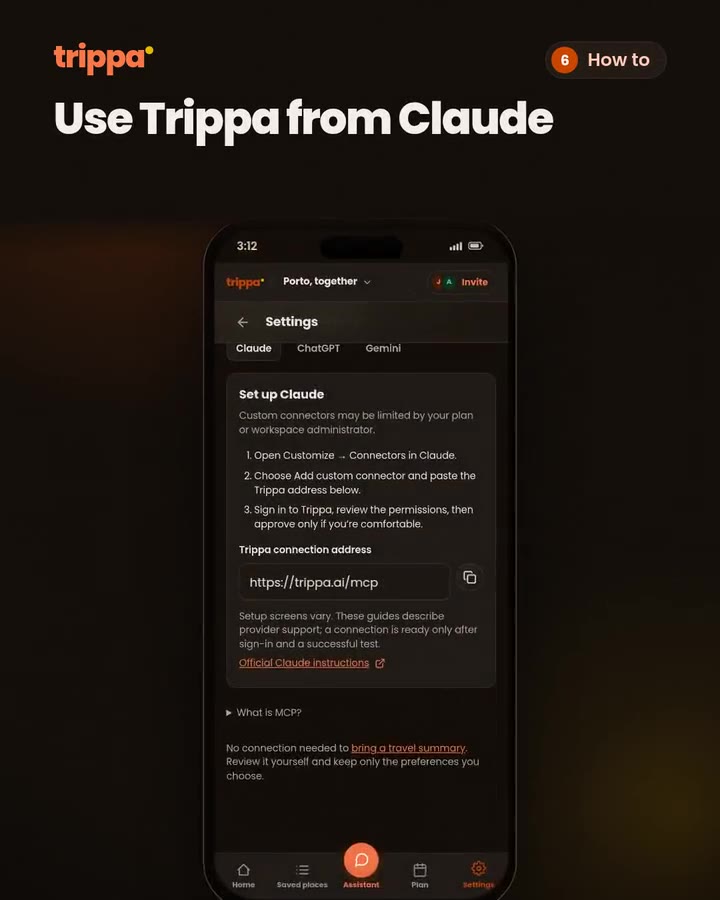
Connect Trippa to Claude once, then plan from the chat. Changes land on the shared plan.
41 seconds · No sound · Claude screens are illustrative.