All how-to videos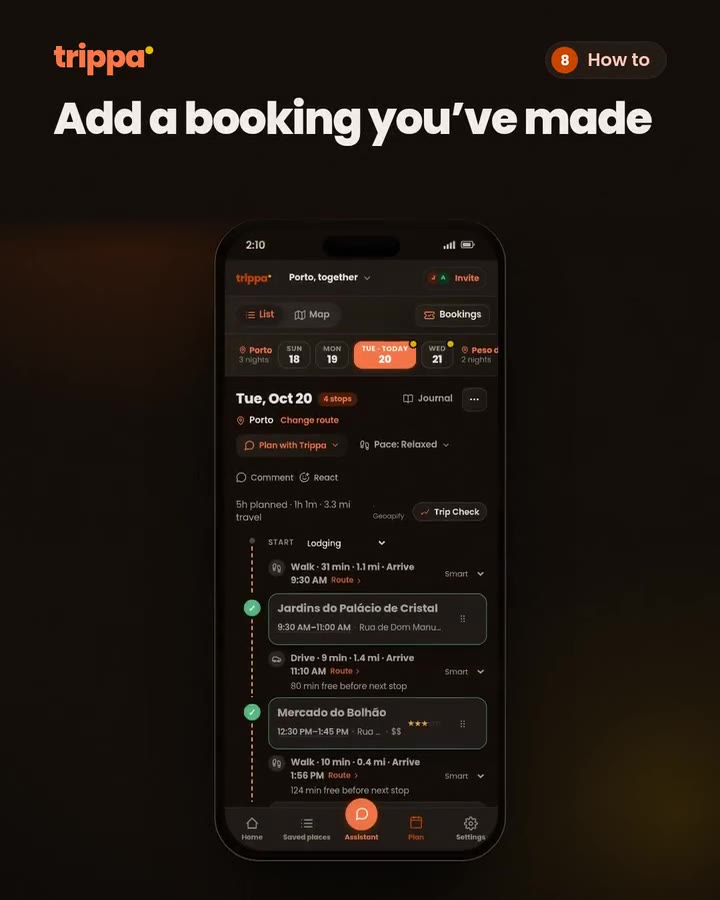
From the video
How-to video · Booked and on the trip
How to add a booking you’ve already made
Paste a confirmation and Trippa files the booking. Booked stops stay put on the plan.
Add a booking you've made · 31 seconds · No sound
Step by step
- Tap Bookings on your Plan.
- Choose Add booking details.
- Paste your confirmation.
- Trippa saves the booking with its details.
- Booked stops stay put on the plan.
“Reservation confirmed: Taberna dos Mercadores · Tue 20 Oct · 19:00 · 4 guests · Ref TDM-4821”