All how-to videos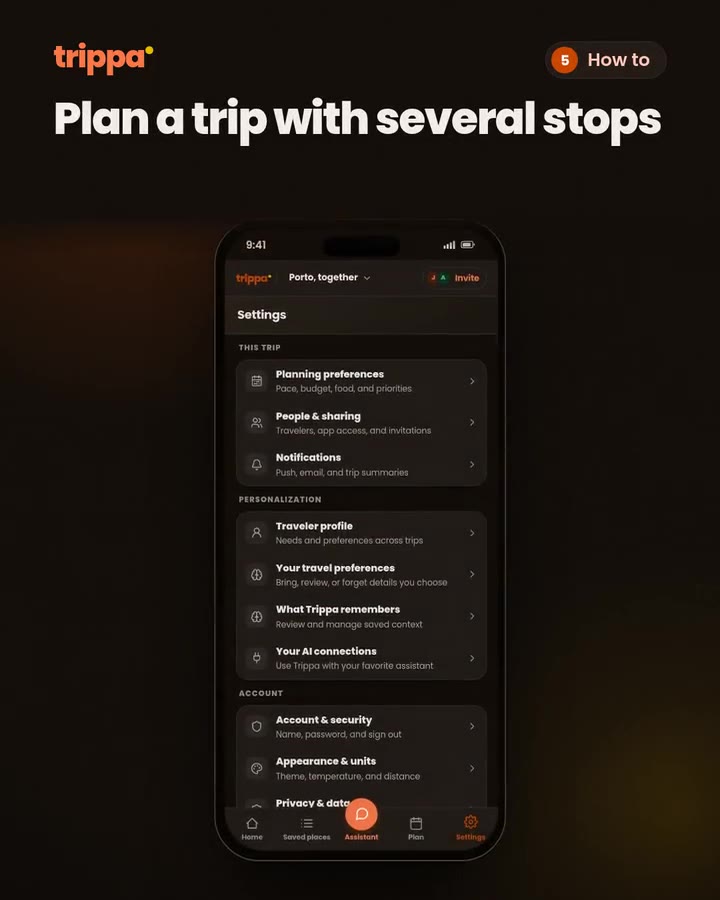
From the video
How-to video · Planning
How to plan a trip with several stops
Add each town and its nights in Settings, or just tell Trippa in chat. Each day plans from where you sleep.
Plan a trip with several stops · 41 seconds · No sound
Step by step
- In Settings, open Planning preferences.
- Add each town and how many nights you're there.
- Save, and Trippa sets the dates for each stop.
- Or skip Settings and tell Trippa in chat.
- Each day is planned from where you sleep that night.
“We’re doing 3 nights in Porto, then 2 in Peso da Régua for the Douro, then 3 in Lisbon. Can you set that up?”